





How a payout moves through Portside
Three steps take the money from a business to a shop counter. Underneath, a double-entry ledger records each movement, and the example below lets you step through one batch yourself.
From payout to payment in three steps

The business pays out
Upload a list. One person prepares the batch and another approves it. On approval, the principal and the platform fee are held from the available balance together.

Funds arrive in the wallet
Recipients see the money as soon as they open the app. If an item fails, its principal and fee go straight back to the business. Nothing is left stuck in between.
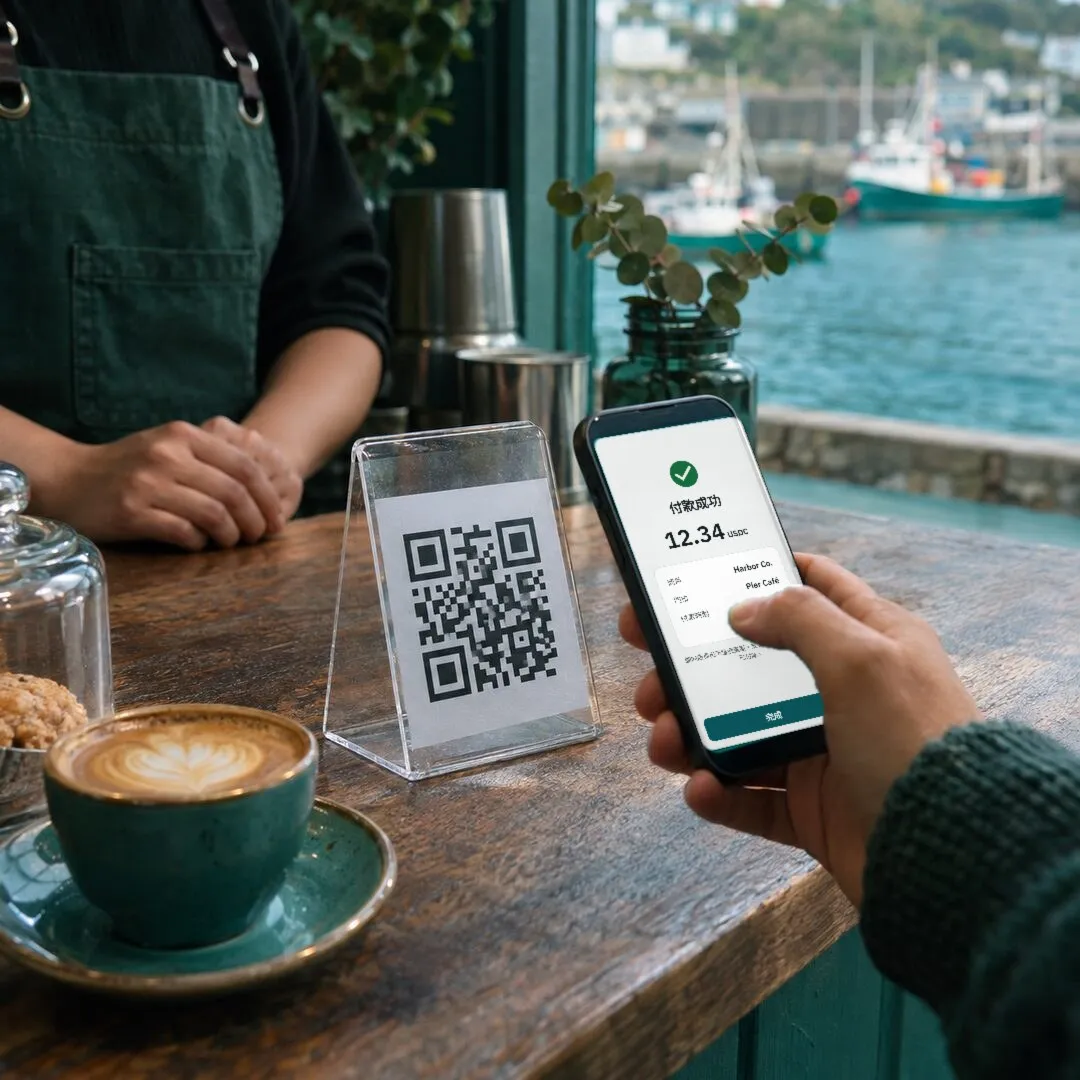
Pay in store by QR code
Scan the shop's code or show your own. Only the signed-in account holder can authorise a payment, and the shop sees it arrive immediately.

Every entry adds up
Here is a case that really happens: a business pays 3 people 100 USDC each, and one item fails. Press Next to see where the money sits at each stage.
This example uses a fee of 0.20 per item plus 0.3% of the principal, so each item carries a 0.50 platform fee. The real rate is set by the platform and fixed when the batch is created. Later changes do not affect existing batches.
Step 1 Create the batch
The preparer uploads the list. The fee for each item is calculated, but no money has moved.
| Recipient | Principal | Platform fee | Status |
|---|---|---|---|
| Alex | 100.00 | 0.50 | Awaiting approval |
| Wei Ling | 100.00 | 0.50 | Awaiting approval |
| Mina | 100.00 | 0.50 | Awaiting approval |
- Business available balance
- 1,000.00
- On hold
- 0.00
- Recipient wallets
- 0.00
- Platform fees
- 0.00
Total across the four accounts1,000.00unchanged